A new client for Nox
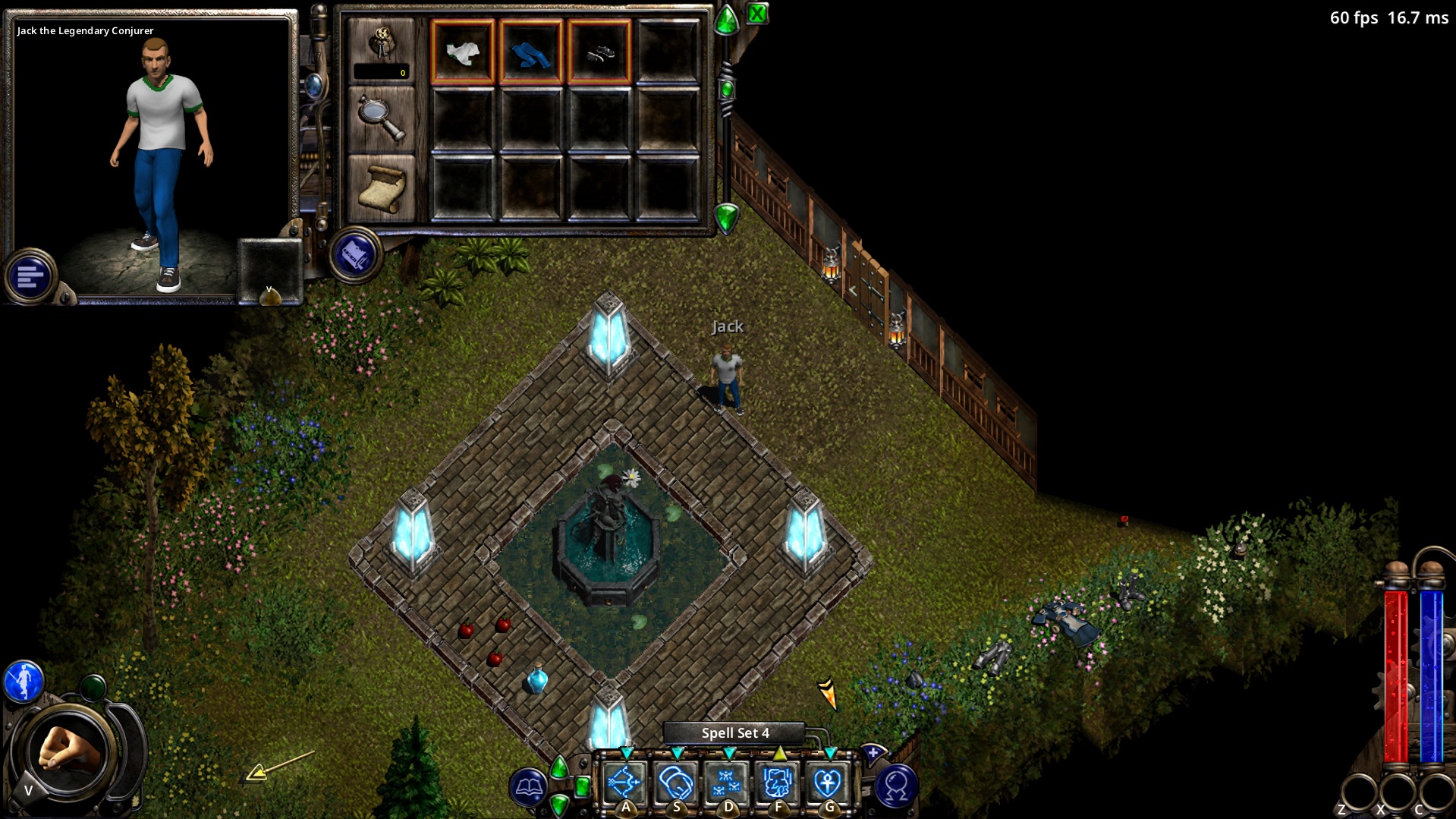
NoX Core is an independent rebuild of the Nox 1.2b game client in modern C++, with an SDL3 front end. It plays on the original game's servers alongside the original client, and draws the game the way the original does, with higher-quality lighting and effects on top.
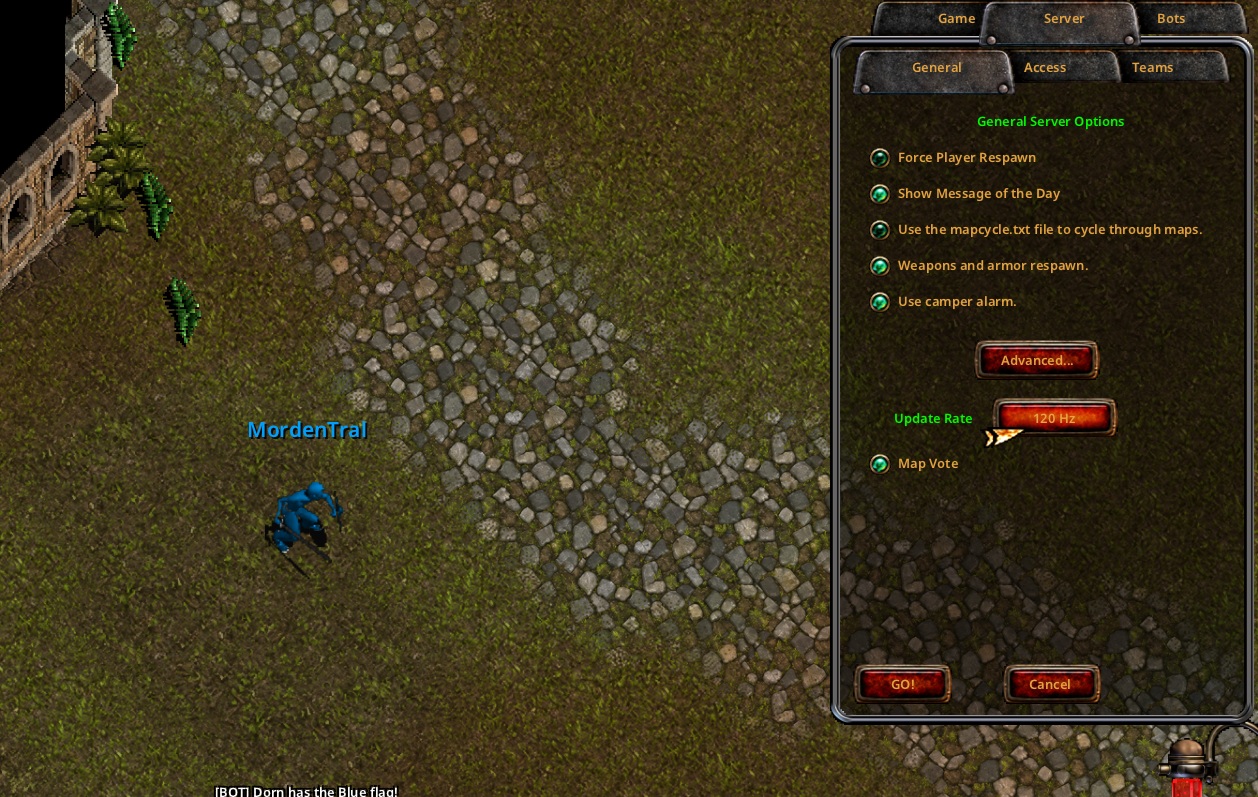
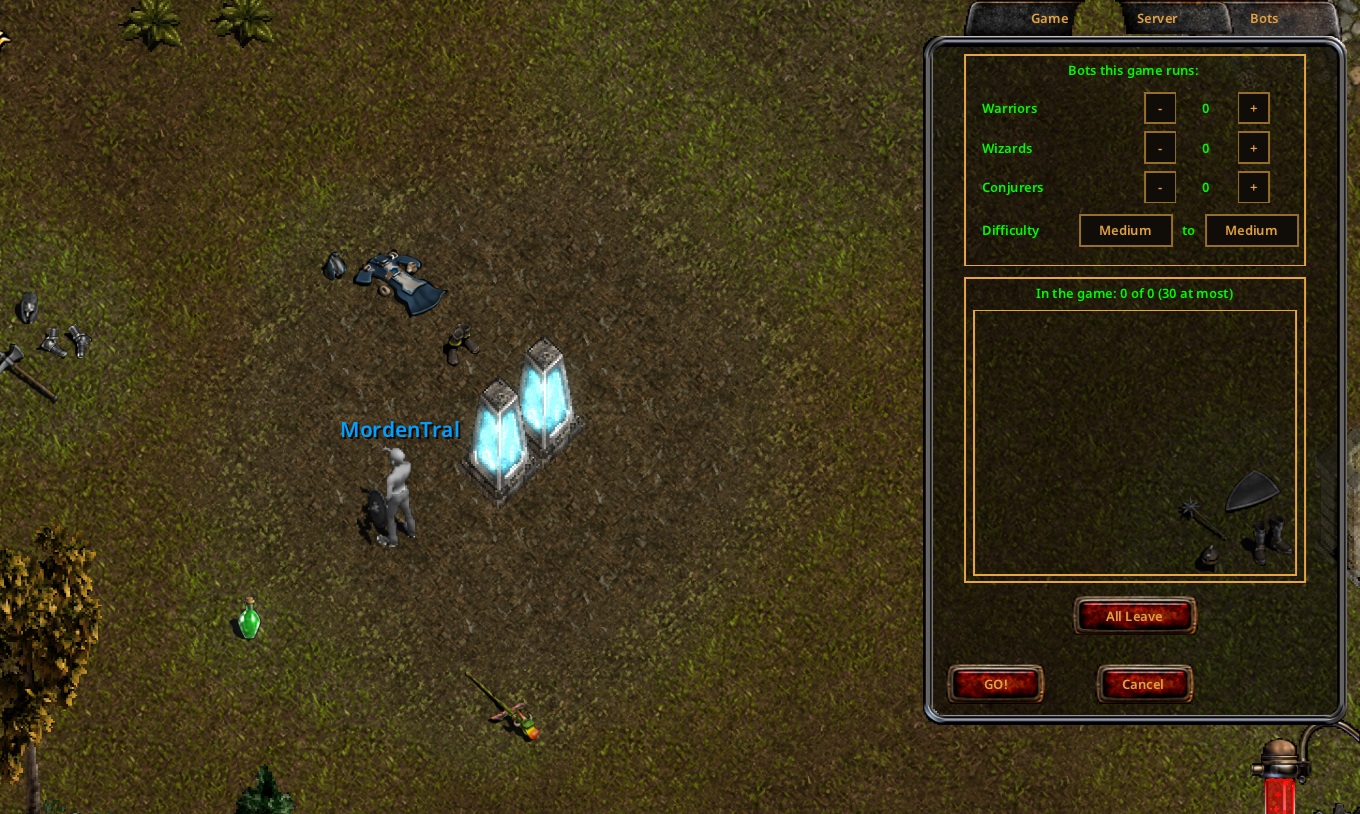
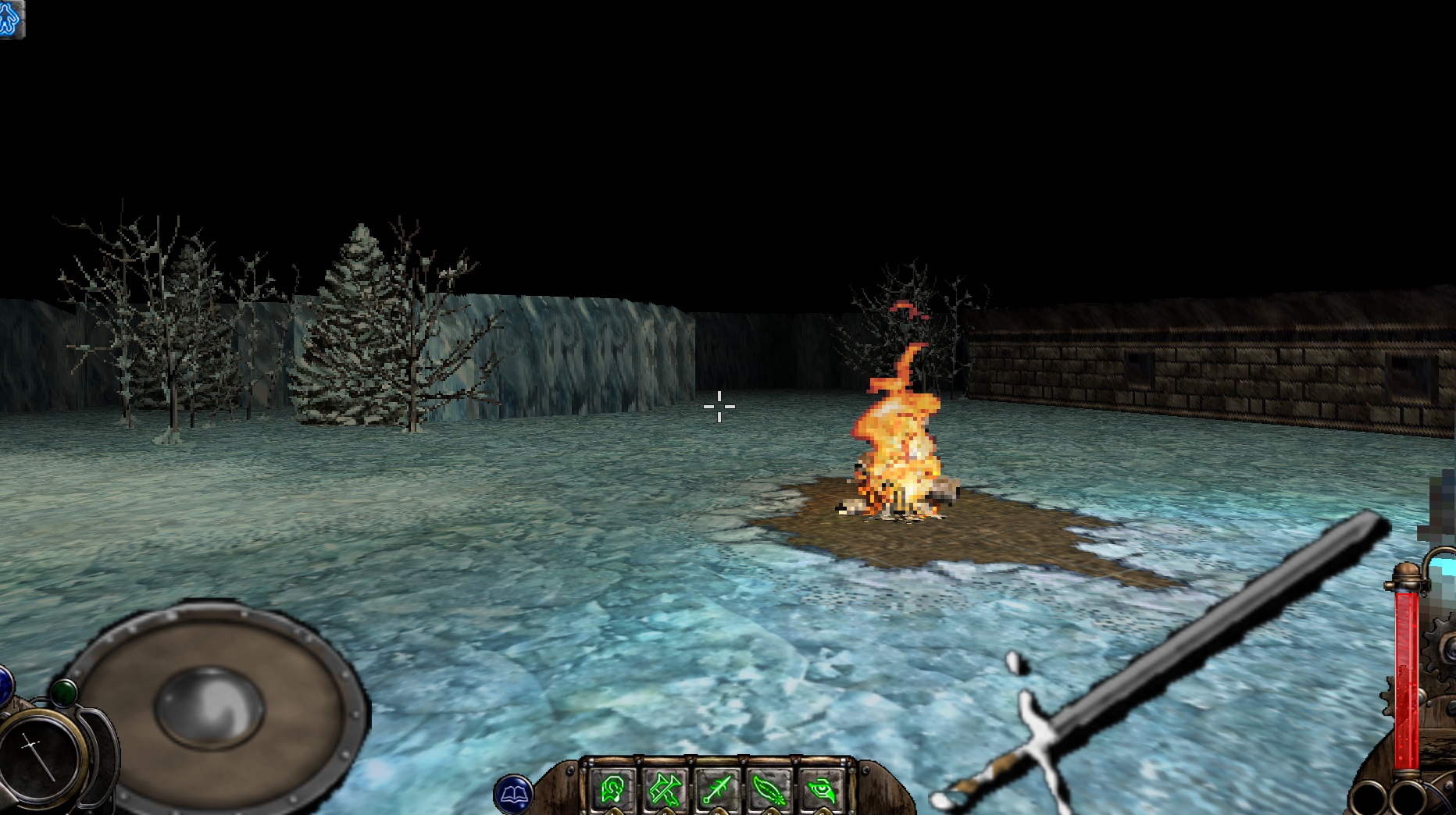
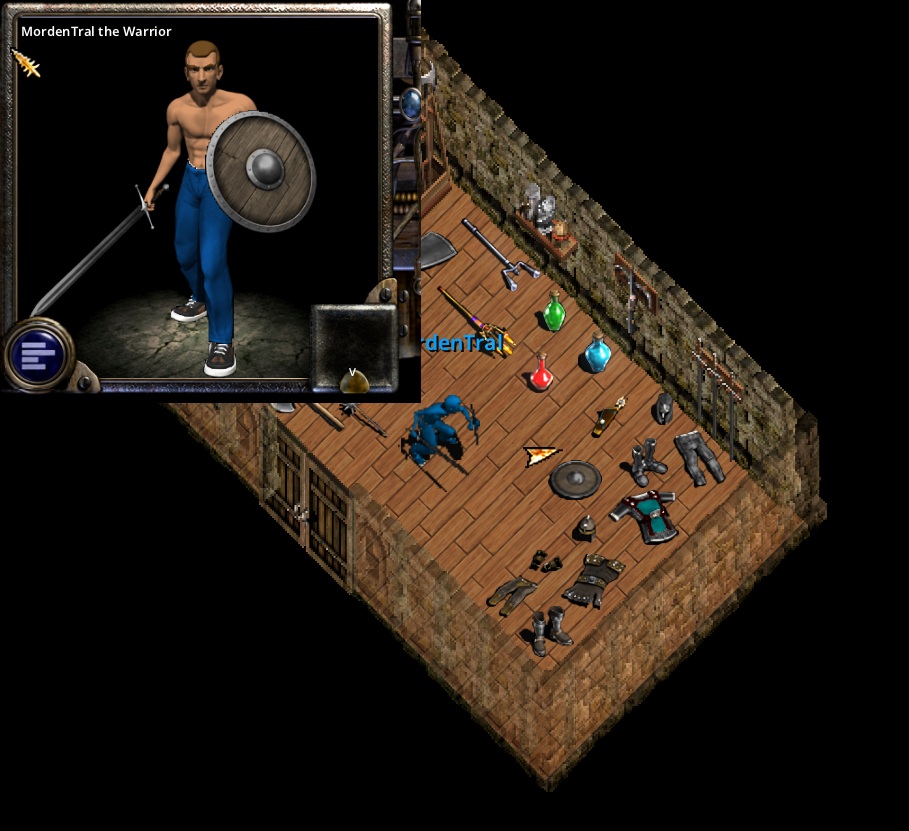
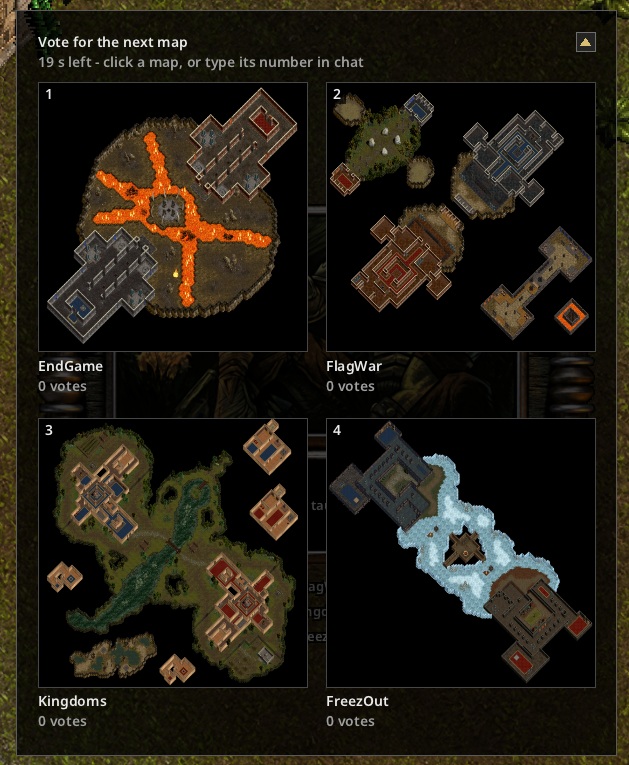
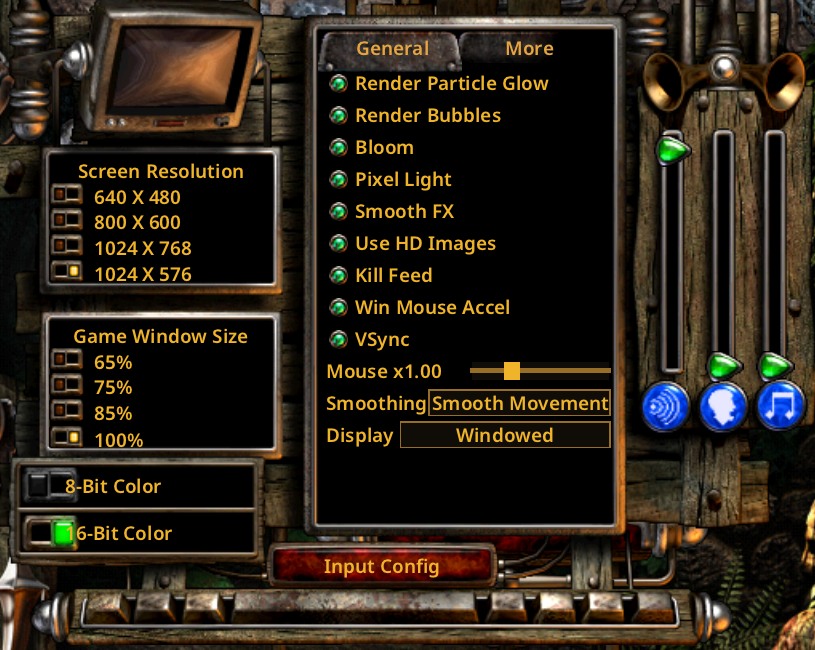
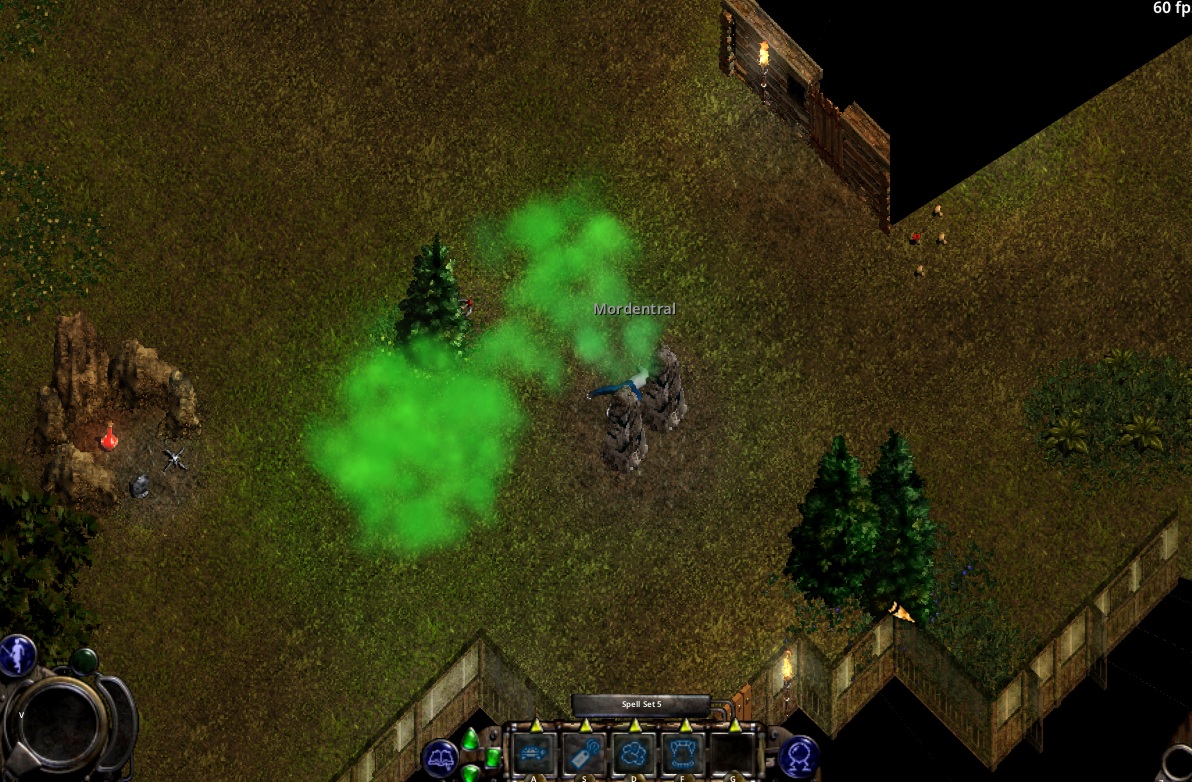
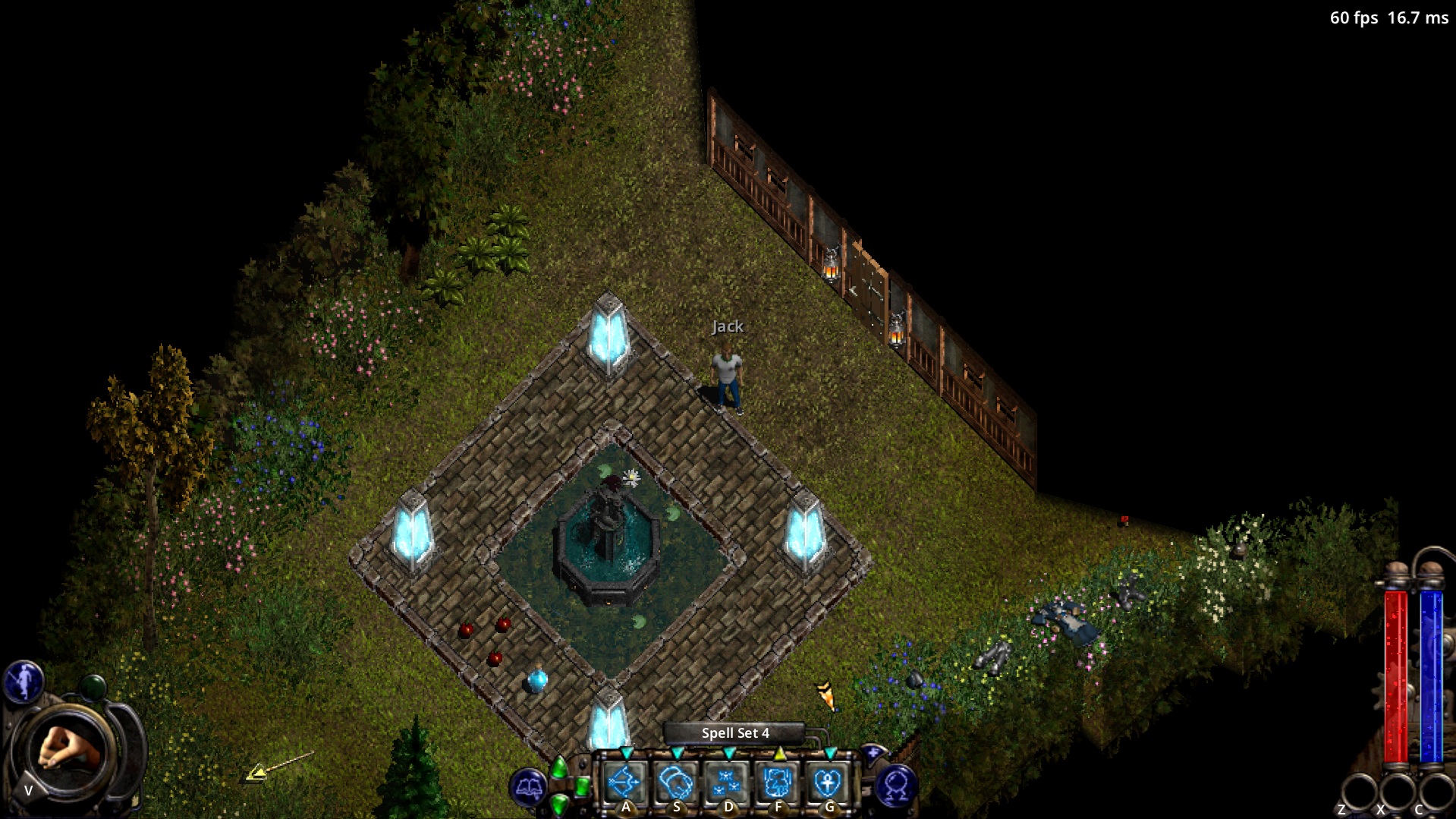
What changed: patch notes.
What it is
Nox (Westwood Studios, 2000) still has a small online community, but its client is a 25-year-old program that runs poorly on today's systems. NoX Core is written from scratch from how the original behaves: its network messages, file formats and rules are worked out from the original game and reproduced, so the new client can join the same games and look and play the same.
- noxcore is the library: networking, maps, thing and modifier data, the image files, the game's settings and key bindings.
- noxsdl is the client you play: the game's own menus, HUD, inventory and console, drawn with SDL3 (Direct3D 12 by default).
What works
- The game's main menu, the online and LAN game list, character creation and selection.
- Joining games and playing: moving, fighting, spells and warrior abilities, items and the inventory, weapon swapping, potions, chat, emotes, the map, the scoreboard, the console, and downloading maps the server has that you don't.
- The spellbook and the field guide, and your five spell sets: built by dragging spells from the book, saved with your character as the original saves them. Wizards' traps and conjurers' bombers.
- Shops, NPC dialogs, the conjurer's summon panel, tooltips, and the inventory's journal, stats and identify.
- Levers, switches and buttons with the mouse, and the game's own key binding window.
- Sound as the original plays it: music, effects, the maps' ambient sounds, NPC speech, and your spells' chant with its hand gestures.
- The world as the original draws it: line of sight, lights, doors, walls, effects and enchantments.
- The solo campaign and Quest, with saves.
- Hosting your own games, with full sound, and bots to play against.
- Optional improvements: per-pixel lighting, smooth anti-aliased effects, bloom, soft particle clouds and smooth motion between server updates. Each one can be turned off in Options for the original look.
Still in progress: the HD art. Much of it is finished and more is on the way. This is a test build, so expect the odd rough edge.
Getting started
- Download the latest build and unzip it anywhere.
- Run
noxsdl.exe. Pick Multiplayer, then a character, then a game.
About the Windows warning: noxsdl.exe is currently unsigned,
because the project hasn't been open-sourced yet; it will be signed once it is. Until then Windows may
warn about an unknown publisher: choose More info, then Run anyway. To stop the warning
on every start, right-click the zip before unzipping, choose Properties, tick Unblock and press
OK.
noxsdl finds your Nox install by itself: GOG (Galaxy or the offline installer), Origin,
Nox Reloaded and the original CD install. To use a different copy, set the NOX_DATA
environment variable to its folder (the one with GAME.EXE and thing.bin), or
start noxsdl with --game-dir and the folder.
The keys are the original game's (from your nox.cfg). If nothing happens on
start, look in noxsdl-log.txt next to the program; it also says which Nox folder was used.
The README.txt in the zip has the full list of options and keys.